Clipchamp
Claim this toolBrowser-based video editor by Microsoft
From $365/mo, billed monthly (free plan available)Positions Clipchamp holds among the tools of each category it belongs to (Toolradar data, Oct 2026):
- #4 (joint) most-listed alternative in Screen Recording, out of 114 tools in Screen Recording. Source: Toolradar data, Oct 2026.
- #8 most-listed alternative in Video Editing, out of 156 tools in Video Editing. Source: Toolradar data, Oct 2026.
- #4 most-listed alternative in Audio Editing, out of 67 tools in Audio Editing. Source: Toolradar data, Oct 2026.
The Bottom Line
- Price
- From $365/mo, billed monthly (free plan available). Compare plans
Key facts
- Video editor by Microsoft with paid plans available or included in Microsoft 365
- Exports available for free with no watermarks, AI captions, screen recording, and text-to-speech
- Built into Windows with templates, stock assets, and direct social media publishing
Pros
- Free video editor
- Microsoft owned
- Browser-based
- Good for simple edits
- Windows integration
Cons
- Limited features
- Export quality varies
- Watermark on free
- Less powerful than alternatives
- Template limitations
What is Clipchamp?
Available on: Web, Windows
Ratings Across the Web
Clipchamp holds an aggregate rating of 4.2 out of 5 from 150 reviews across G2 and Capterra, last checked September 17, 2026.
Ratings aggregated from independent review platforms. Learn more
Key Features
- Video editor
- Microsoft integration
- Templates
- Stock library
- Text to speech
- Screen recorder
Pricing Plans
Pricing checked Oct 3, 2026. Source: clipchamp.com/pricing, read Oct 3, 2026
| Plan | Price | Details |
|---|---|---|
| Free | $0 |
+2 more Show less
|
| Premium | Included with Microsoft 365 |
+2 more Show less
|
Is Clipchamp worth the price?
Clipchamp's pricing is incredibly generous, offering a robust free tier with 1080p exports and a premium tier included with Microsoft 365 subscriptions.
This makes it an exceptional value, especially for existing Microsoft 365 users. It's best for individuals and small businesses already within the Microsoft ecosystem or those needing a powerful free video editor.
How Clipchamp's pricing compares
At $365/mo, billed monthly, Clipchamp is the most premium of its 4 comparable direct competitors.
Not ranked, different unit or currency: Filmora $4.17/mo, billed yearly; Mock Magic: Video Presets €7.99/mo, billed monthly.
Entry paid plan, monthly price, billed monthly. Pricing checked Oct 3, 2026.
Clipchamp by the numbers
Toolradar data: Clipchamp's entry paid plan ($365/mo, billed monthly) ranks #26 of 26 for price among the Audio Editing tools with a verified entry price and no stated unit, where the median is $10.88/mo. It is listed as an alternative to 33 other tools on Toolradar, ranking #4 of 67 in Audio Editing. As of Oct 2026.
- #4 (joint) most-listed alternative in Screen Recording, out of 114 tools in Screen Recording. Source: Toolradar data, Oct 2026.
- #8 most-listed alternative in Video Editing, out of 156 tools in Video Editing. Source: Toolradar data, Oct 2026.
- #4 most-listed alternative in Audio Editing, out of 67 tools in Audio Editing. Source: Toolradar data, Oct 2026.
| Metric | Clipchamp | Peer median | Position (1 is best) |
|---|---|---|---|
| Entry paid plan | $365/mo, billed monthly | $10.88/mo | #26 of 26 tools with no stated price unit, verified price |
| Free plan | Yes | 66% have one | n/a |
| Listed as an alternative to | 33 tools | 2 | #4 of 67 |
| User rating | 4.2/5 (across the web, 150 ratings) | 4.5/5 | #19 of 29 (joint) tools with 20+ reviews |
| Compare-page visits, last 30 days | 113 visits | 42 | #6 of 29 tools with 20+ compare-page visits |
Visitors most often compare Clipchamp with CapCut (last 30 days, Oct 2026).
Each position is counted among the tools that have data for that row, as noted under it. A lower entry price ranks higher; prices are read on vendor pages and compared only with tools priced on the same basis. All Audio Editing data · How we compute this. Advertising and placement fees are not inputs to any position. Visit counts include visits from every source.
Cite this: Toolradar, “Clipchamp by the numbers”, Oct 2026.
Reviews
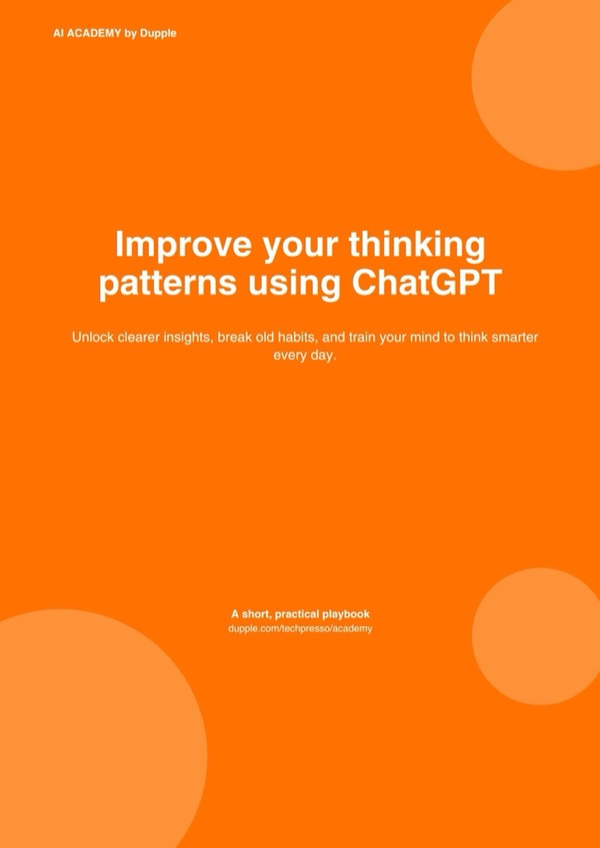
Review Clipchamp, get a free AI guide
Share your experience and we will send you Improve Your Thinking Patterns Using ChatGPT, free.
Across 150 verified user reviews on Capterra, G2
Add your hands-on experience using the offer above to help the next buyer.
Best Clipchamp Alternatives
Top alternatives based on features, pricing, and user needs.

Record screen and camera for async video messages
Edit, color grade, VFX, and mix audio in one app

Edit video like a pro with AI-powered tools and creative assets.

Free, open-source, cross-platform video editor with wide format support and advanced features.

Advanced video editing for TikTok creators, free

Edit any format, from social clips to feature films

Add real-time AI video enhancements to any app

Create realistic video mockups with ease
Still deciding?
Most buyers shortlist 2 or 3 tools before committing. Pull a side-by-side comparison or browse the full alternatives shortlist below.
Explore More
Clipchamp FAQ
How does Clipchamp facilitate quick video creation?
Which teams would find Clipchamp most suitable for their video editing needs?
How does Clipchamp compare to Adobe Premiere Pro for video editing?
What kind of limitations should users be aware of when using Clipchamp?
Does Clipchamp include a free tier for users?
Can Clipchamp be used for screen recording and direct content sharing?
How does Clipchamp support professional video editing techniques?
How does Clipchamp pricing compare with other Audio Editing tools?
Source: clipchamp.com